
How to Install & Configure IPTV on Samsung & LG Smart TVs
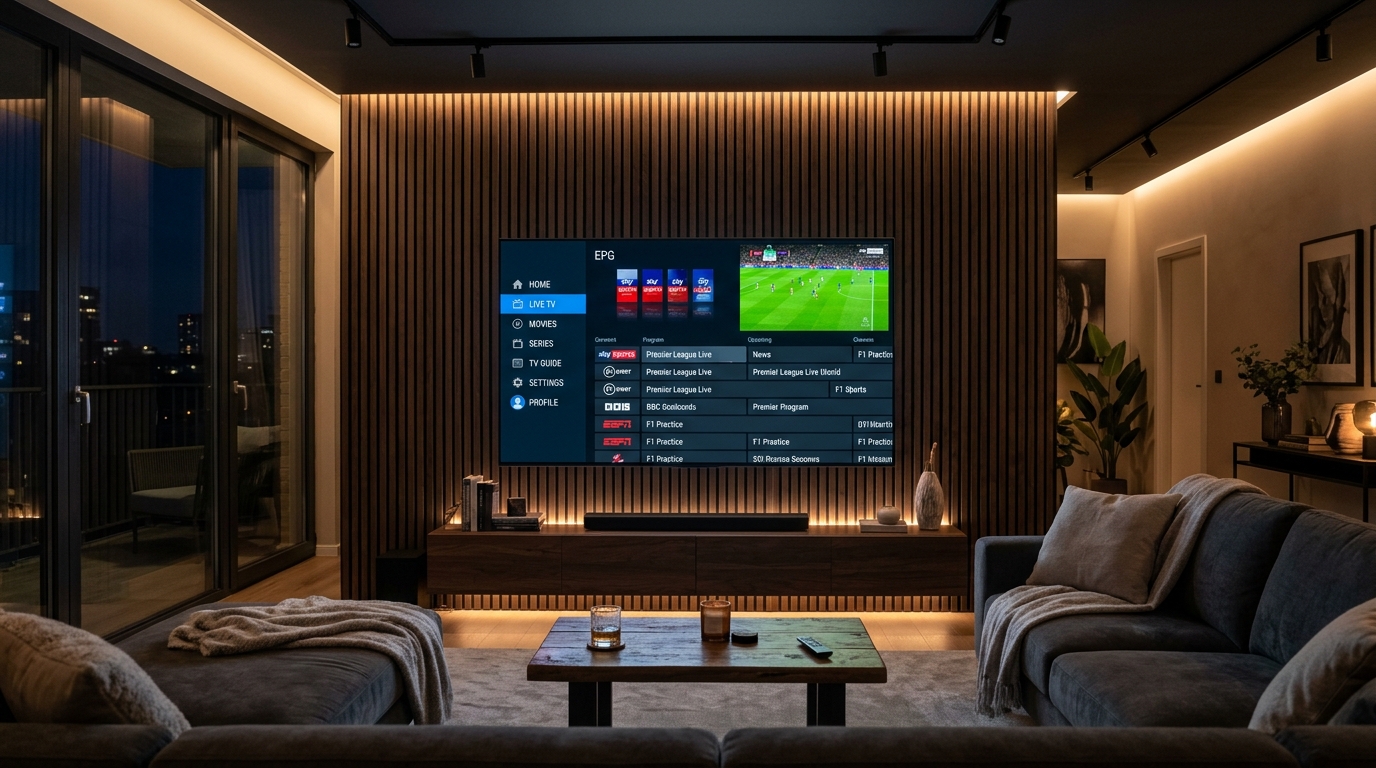
To stream IPTV on Samsung and LG Smart TVs without external streaming sticks, install IBO Player Pro from your TV's built-in App Store. Retrieve your Device MAC Address and Device Key from the app screen, then upload your Watchmyiptv Xtream Codes login at iboplayer.pro. Reload your TV app to instantly access 35,000+ live 4K channels with full EPG schedules.
Samsung and LG command over 60% of the premium 4K television market in the United States and Canada. Their vibrant OLED and QLED panels offer breathtaking color fidelity and motion smoothing. However, because Samsung TVs run on Tizen OS and LG TVs operate on webOS, you cannot simply download Android APK files like you would on an Amazon Firestick or Google TV box.
In this 2026 step-by-step tutorial, we reveal the absolute best IPTV players available directly inside the official Samsung and LG app stores, and how to link your Watchmyiptv subscription for bufferless 4K sports and entertainment in under 5 minutes.
The Top 3 IPTV Players for Samsung & LG Smart TVs in 2026
Not all Smart TV media players are created equal. Many older applications (such as the legacy Smart IPTV SIPTV app) struggle with large 35,000+ channel catalogs. Here are the three verified performers:
IBO Player Pro
The gold standard for webOS and Tizen. Blazing fast channel switching, automated EPG syncing, subtitles support, and Xtream Codes API handshake.
Nanomid Player
Exceptional security with built-in VPN/proxy routing options. Great for users whose ISPs throttle IPTV traffic during primetime sports.
Smart IPTV (SIPTV)
The classic minimalist player. Reliable for smaller curated channel lists, though lacks the modern Netflix-style VOD catalog of IBO Player.
Step 1: Install IBO Player Pro from the Official TV App Store
- Turn on your television and ensure it is connected to a stable high-speed Wi-Fi or wired Ethernet connection.
- On Samsung Smart TVs: Press the Home button on your Smart Remote, navigate left to Apps, and open the Samsung App Store.
- On LG Smart TVs: Press the Home button, scroll to the LG Content Store (or Apps on newer webOS builds).
- Use the search icon and type "IBO Player Pro".
- Click Install / Download. Once installed, launch the application.
Step 2: Note Down Your Device MAC Address and Device Key
When you open IBO Player Pro for the first time, your TV screen will display two critical identifiers:
- • Device MAC Address: A 12-character alphanumeric code (e.g.,
aa:bb:cc:11:22:33). - • Device Key: A 6 to 8 digit security PIN (e.g.,
849201).
Leave your television on this screen, or snap a photo of the codes with your smartphone.
Step 3: Connect Your Watchmyiptv Credentials on the Web Portal
Rather than typing long URLs with your TV remote, IBO Player manages playlists securely through its official web management console:
- Open your browser on a computer or phone and navigate to https://iboplayer.pro/manage-playlists/login/.
- Enter the MAC Address and Device Key displayed on your television screen.
- Click Log in.
- In your dashboard, click the button labeled + Add XC Playlist (Xtream Codes API).
- Enter your details as delivered in your Watchmyiptv WhatsApp activation message:
- Playlist Name: Watchmyiptv 4K
- Username: (Your subscription username)
- Password: (Your subscription password)
- Server URL: http://watchmyiptv.com:8080 (or custom server host provided)
- Click Save Playlist.
Step 4: Reload the App and Start Streaming in 4K
Pick up your television remote and click Reload on the IBO Player home screen. The app will immediately synchronize all 35,000+ live television channels, sports packages (NFL, NBA, Premier League, PPV), 180,000+ movies, and the complete Electronic Program Guide.
Troubleshooting Audio Codecs & Video Stutter on Samsung & LG TVs
⚠Issue: Video Plays Flawlessly But There is No Sound
The Solution: Samsung and LG TVs do not support certain legacy DTS audio tracks natively. Inside IBO Player, navigate to Settings > Audio Settings and change Audio Decoder from Hardware to Software (SW) or enable Stereo Downmixing.
⚠Issue: Buffer Lag During Peak Sunday Sports
The Solution: Smart TV internal Wi-Fi chips often have weaker antennas than dedicated media streamers. Connect an Ethernet cable directly from your router to the back of your television, or connect to the 5 GHz Wi-Fi frequency band. Additionally, verify that our Anti-Freeze™ 9.8 technology is handling packet delivery on our high-speed US server nodes.
Prefer the TiviMate Player Interface?
While IBO Player Pro is the premier solution for native Tizen and webOS televisions, many enthusiasts prefer TiviMate's multi-screen sports bar Multiview. Since TiviMate cannot be sideloaded directly onto Samsung or LG OS, simply connect an affordable \$35 Amazon Firestick 4K or Nvidia Shield to your TV's HDMI port. Read our companion tutorial on how to configure TiviMate on Firestick for peak sports streaming.
Experience 35,000+ 4K Channels on Your Samsung or LG TV
Test our high-bitrate live sports, local US networks, and on-demand movies directly on your Smart TV screen. Get free 1-on-1 WhatsApp setup guidance in minutes.